Separate permission-slip media from the shared gallery, define who may unlock the vault, and prove backup and recovery before removing any source copy.
FORM FRAME / 01DEVICE SHAREDBACKUP SEPARATERECOVERY TESTED
permission-slip media / START
Direct answer
Separate permission-slip media from the shared gallery, define who may unlock the vault, and prove backup and recovery before removing any source copy.
permission-slip media WORKFLOW BOARD
Choose the next safe step
Select the current state. No photos or personal data are collected.
school form media PLAYBOOK
Build evidence around the full private-media lifecycle
A safe parent decision must be understandable to another authorized parent who did not configure the phone. Record the device, Android and app versions, accounts, media source, expected action, backup and recovery route before changing access or deleting a copy. The aim is not merely to hide thumbnails; it is to preserve permission-slip media while keeping sharing, backup and recovery deliberate.
01
Discover
Inventory every shared phone, user profile, gallery, messaging download, cloud sync, removable card and home backup containing school form media. Record the expected result, observed result, responsible parent and exception so the decision can be reproduced without relying on memory.
02
Separate
Decide which parent owns vault administration, authentication recovery, backup, device transfer and deletion decisions. Record the expected result, observed result, responsible parent and exception so the decision can be reproduced without relying on memory.
03
Prepare
Classify media by privacy need and school-sharing purpose instead of importing the entire gallery without review. Record the expected result, observed result, responsible parent and exception so the decision can be reproduced without relying on memory.
04
Test
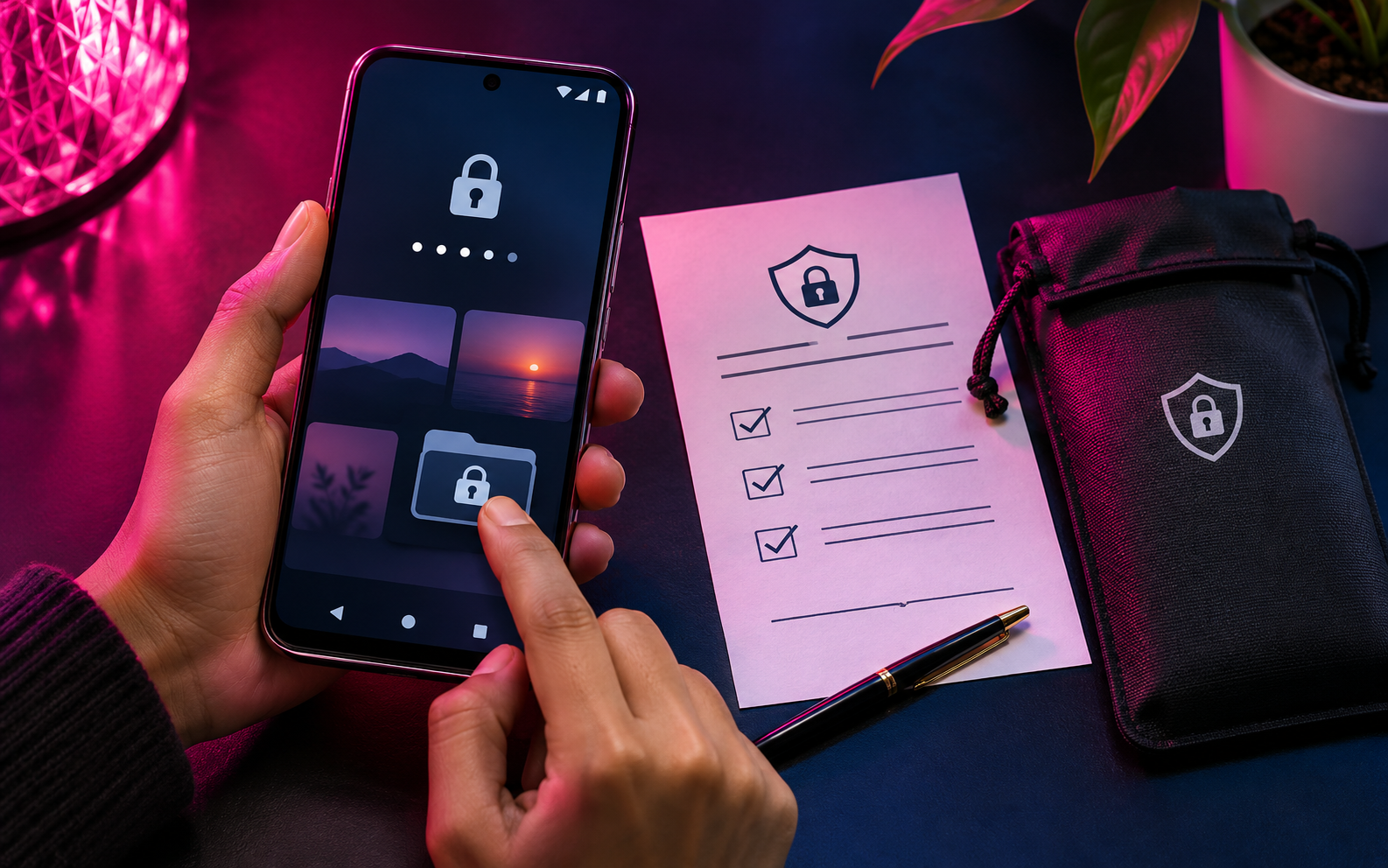
Pilot the vault with fictional landscape images before using sensitive school form photos or changing source-gallery state. Record the expected result, observed result, responsible parent and exception so the decision can be reproduced without relying on memory.
05
Verify
Test normal viewing, failed unlock, device restart, backup, restore and a lost-device scenario with the actual Android version. Record the expected result, observed result, responsible parent and exception so the decision can be reproduced without relying on memory.
06
Close
Record unresolved copies, permissions, sync paths and recovery dependencies with an owner and review date. Record the expected result, observed result, responsible parent and exception so the decision can be reproduced without relying on memory.
WORKED SCHOOL-FORM SCENARIO
How the workflow behaves at home
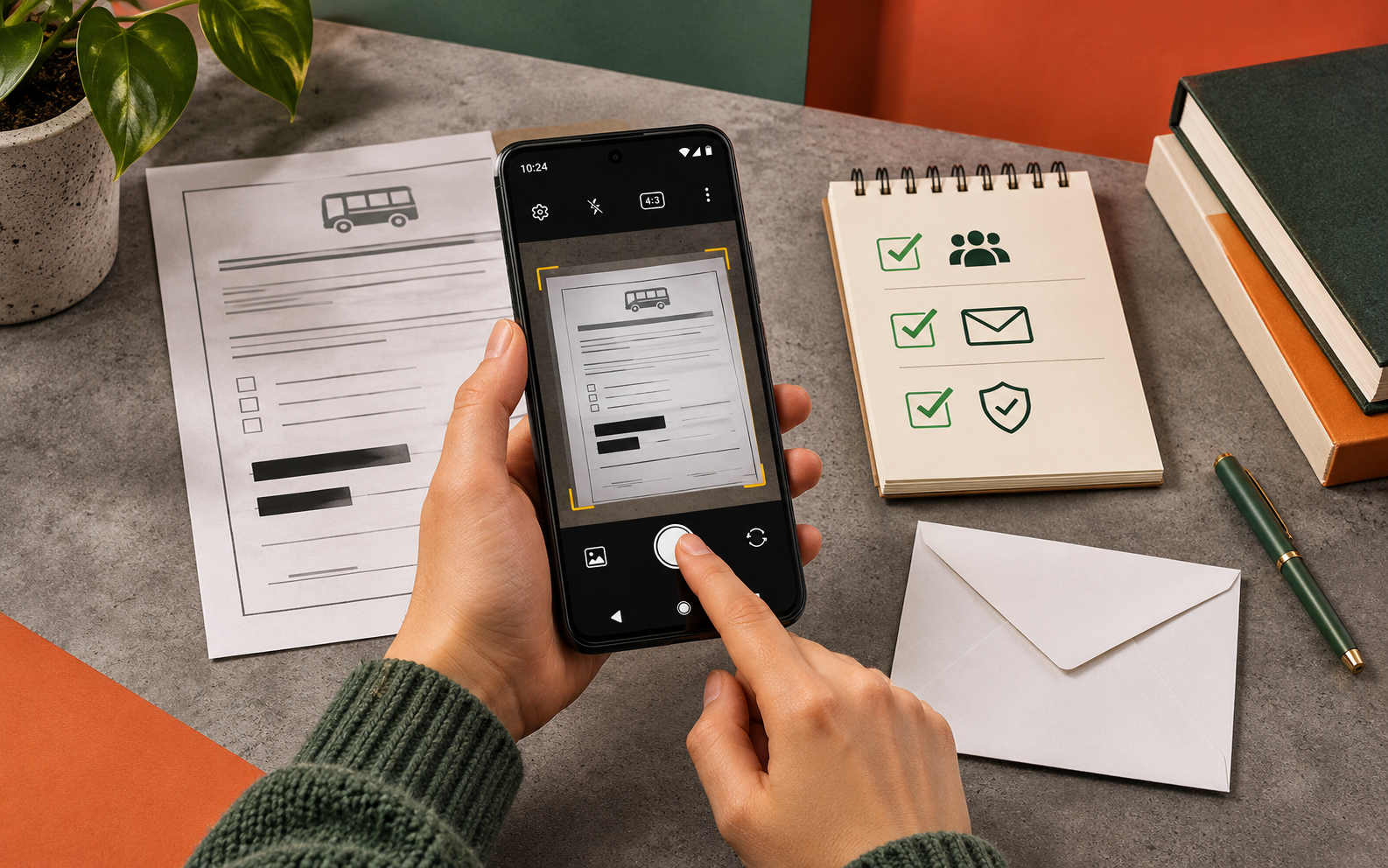
A parent uses an Android phone that also receives photos through messaging apps. They select a small private album, test the vault with non-sensitive images, disable unnecessary preview paths and create a separate backup. Only after a successful restore do they move copies into the private workflow. They keep a written recovery route that does not depend on one parent remembering every setting.
The result applies only to the recorded device, Android and app versions, accounts, settings and backup state. A material change requires a new check.
Require a second-person recovery check
Ask another authorized parent to locate the correct device and account, unlock the intended vault, identify the independent backup and restore a small representative album without using undocumented knowledge. Confirm that required viewing works, an ordinary shared-device session cannot reach the private set, and the backup is readable outside the only active phone.
Record any dependency on a subscription, cloud account, old device, removable card, app-specific folder or remembered credential. An unresolved dependency needs an owner and safe interim instruction. Retest after a device replacement, Android update, app update, permission change, account change, storage migration or revised school-form access.
Failure modes to prevent
Deleting source photos before an independent restore succeeds.
Assuming a locked app controls copies in messages, downloads or cloud sync.
Using sensitive family images for failed-login or feature tests.
Clearing app data or reinstalling before preserving recovery evidence.
Direct answers
What should happen before family vault?
Identify the exact device, Android version, app, account, media source, backup and responsible parent before changing access or deleting anything.
Is a private vault also a backup?
No. Concealment or app access control does not create an independent recoverable copy. Test backup and restore separately.
When should the workflow be retested?
Retest after Android, app, permission, device, account, storage, school-form-access or backup changes.
Continue with a documented, safer workflow
Use the original guidance and product evidence on this site. Verify your own environment and keep sensitive records outside demonstrations and tests.